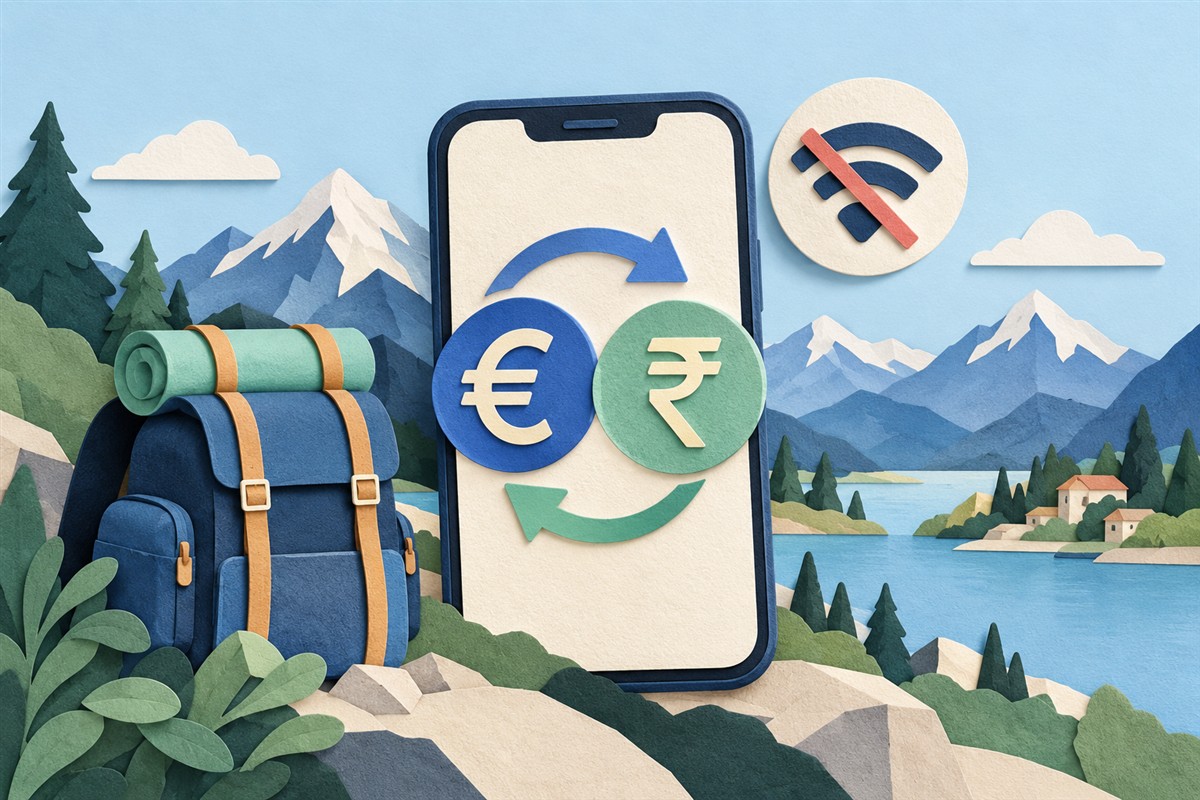
What works without an internet connection?
The calculation itself does not need the internet. Once your app has a saved rate, it can multiply a new amount by that rate as often as you need. What cannot happen offline is a fresh rate update: the number you see still reflects the last successful download.
Worldwide Currency Converter for Android supports conversion using cached rates. That makes it useful when you land without mobile data, lose reception on a train, or want to check a price before connecting to public Wi-Fi.
Set it up before you travel
- Install the app while connected. Open it before departure rather than waiting until you need it abroad.
- Choose your home and destination currencies. Check the three-letter codes so that similarly named currencies are not confused.
- Let the exchange rates load. Confirm that you can see a result instead of a loading message.
- Test with airplane mode. Disconnect, return to the app, and try a different amount. This checks that rates are available on your device.
- Reconnect when convenient. Allow the app to refresh before relying on a new estimate.
Try a small offline conversion
Imagine a saved rate of 1 EUR = 100 INR. A price of 1,500 INR would equal 15 EUR at that rate. The calculation still works with no signal because 1,500 ÷ 100 does not require a network request.
This is a deliberately simplified example, not today’s exchange rate. If the market changes after the download, your offline estimate will not change until the app updates its data.
How current are offline exchange rates?
They are only as current as the last successful refresh. Going offline does not turn a saved quote into a live quote. Use cached conversions to understand approximate prices, and refresh when a current comparison matters.
A currency converter also does not guarantee the rate charged by your bank, card provider, or exchange service. Check the provider’s final amount and fees separately. For the arithmetic behind the estimate, see our exchange-rate calculation guide.
If offline conversion is not working
Reconnect and open the app until rates finish loading, then repeat the airplane-mode test. Check that you selected supported currencies and entered a valid amount. Reinstalling an app or clearing its storage can remove saved data, so do not do either immediately before relying on an offline setup.
If you still cannot convert, contact support with your device model and a description of the problem. Avoid sending payment details; they are not needed to troubleshoot a conversion.
Can I use it for several countries?
Yes. Prepare the currencies you will use along the way. If you want to compare one budget in several currencies, read how multi-currency conversion works. Keep a connection available for occasional refreshes, and treat offline results as estimates based on saved data.
Written by Lineium, publisher of Worldwide Currency Converter. App features: Google Play listing. Examples are illustrative unless explicitly stated otherwise.