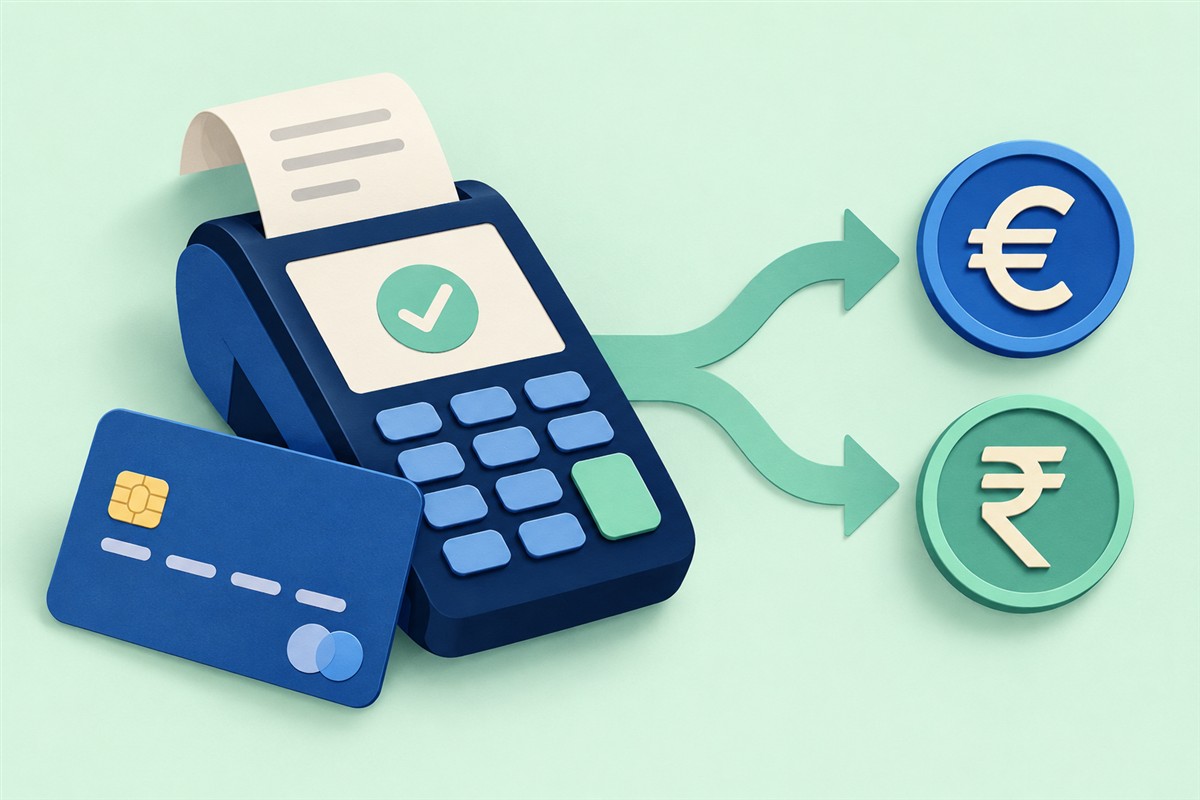
What changes when you choose a currency?
Dynamic currency conversion, or DCC, is an offer to convert a foreign transaction into your card’s currency at the merchant or ATM. Visa explains that the offer includes a conversion rate and may include additional charges. The important question is who is doing the conversion and what total you are agreeing to.
Read the currency beside each amount before pressing a button. “Accept,” “continue,” and “conversion” are not reliable substitutes for knowing which amount will be submitted.
Compare two routes using the same purchase
Imagine a purchase priced at €100 and a terminal offering to bill you ₹9,500. Separately, suppose your card estimate is ₹90 per euro with a 2% fee. These numbers are invented to demonstrate the method.
| Route | Calculation | Estimated INR total |
|---|---|---|
| Merchant conversion | Quoted total | ₹9,500 |
| Card conversion | 100 × 90 × 1.02 | ₹9,180 |
| Difference | 9,500 − 9,180 | ₹320 |
In this example the card estimate is lower by ₹320. That does not establish a universal saving: change the card’s rate, fee, or merchant quote and the comparison changes. Use the card’s applicable terms rather than assuming a generic converter predicts the exact charge.
What should the terminal show?
Visa says the local and converted amounts, exchange rate, and extra fees or markup should be disclosed, and the choice should be yours. If the information is missing or you are pressured, Visa recommends declining the conversion and reporting the issue to your issuer. Check its DCC guidance for the full explanation.
- What is the original price and currency?
- What home-currency total is being offered?
- Is the conversion rate visible?
- Are extra charges included or separate?
- What would your own card charge for the alternative?
Why the converter and card quote can differ
A converter gives a reference calculation. Your card’s final amount depends on the applicable processing and fee rules. Mastercard’s calculator notes that its results are indicative and that banks may apply additional fees; merchant or ATM conversion does not use Mastercard’s conversion rate.
Use the converter as a reasonableness check, not a guarantee. A small apparent difference between quotes may disappear if the comparison omits a charge. Keep the receipt so you can check the currency and total against the posted transaction.
A practical check before you confirm
Start with the local price, estimate it in your home currency, and compare that estimate with the terminal’s offer. If you know your card’s fee, include it explicitly. If you do not know it, treat the result as incomplete rather than guessing.
At an ATM, separate the conversion choice from any withdrawal fee displayed. They answer different questions: one is about changing currency, the other is a charge for the withdrawal. Read both before continuing.
For a quick comparison while traveling, prepare offline conversion on Android. Cached rates can help you understand scale, but fresh quotes matter when choosing a transaction.
Quick answers
Does local currency mean no fees?
No. It avoids accepting that merchant’s conversion offer, but your card’s own charges may still apply.
Is the home-currency total always worse?
Do not assume that from the label alone. Compare the disclosed quote with your card’s expected total and terms.
Can Lineium complete the payment?
No. Worldwide Currency Converter calculates equivalents. The merchant, card issuer, or exchange provider handles the actual transaction.
By Lineium, publisher of Worldwide Currency Converter. Published October 3, 2026. Worked examples are original illustrations, not live quotes. Official references are linked beside the claims they support and were checked on October 3, 2026. App features: Google Play listing.