Your currencies.
Ready for the trip.
A price check at the market. A budget across borders. Keep a familiar currency reference close, even when you lose your connection.
Offline conversion uses your last downloaded rates. Reconnect for fresh data.
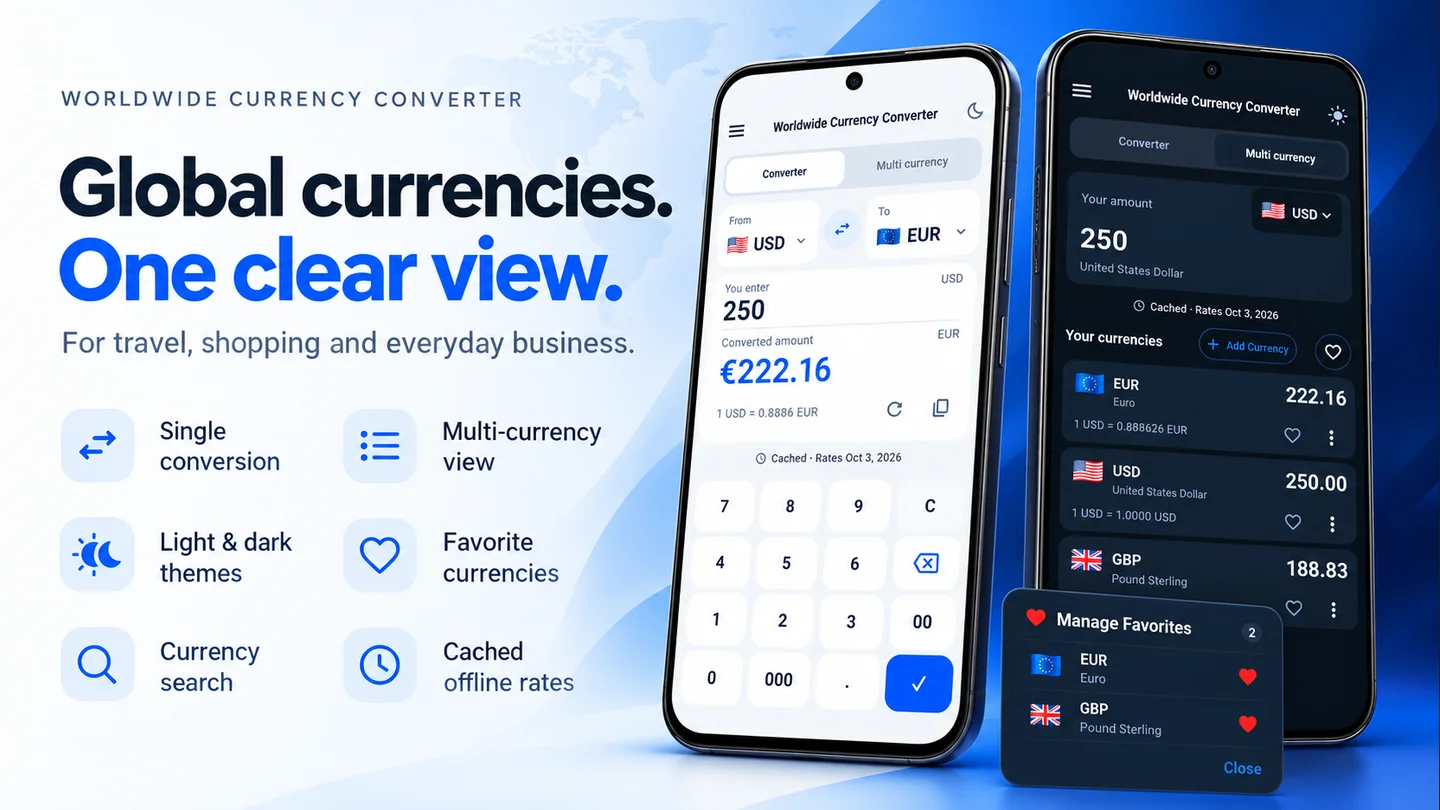
One application. Your way to compare.
Switch between previews, or explore the details below.


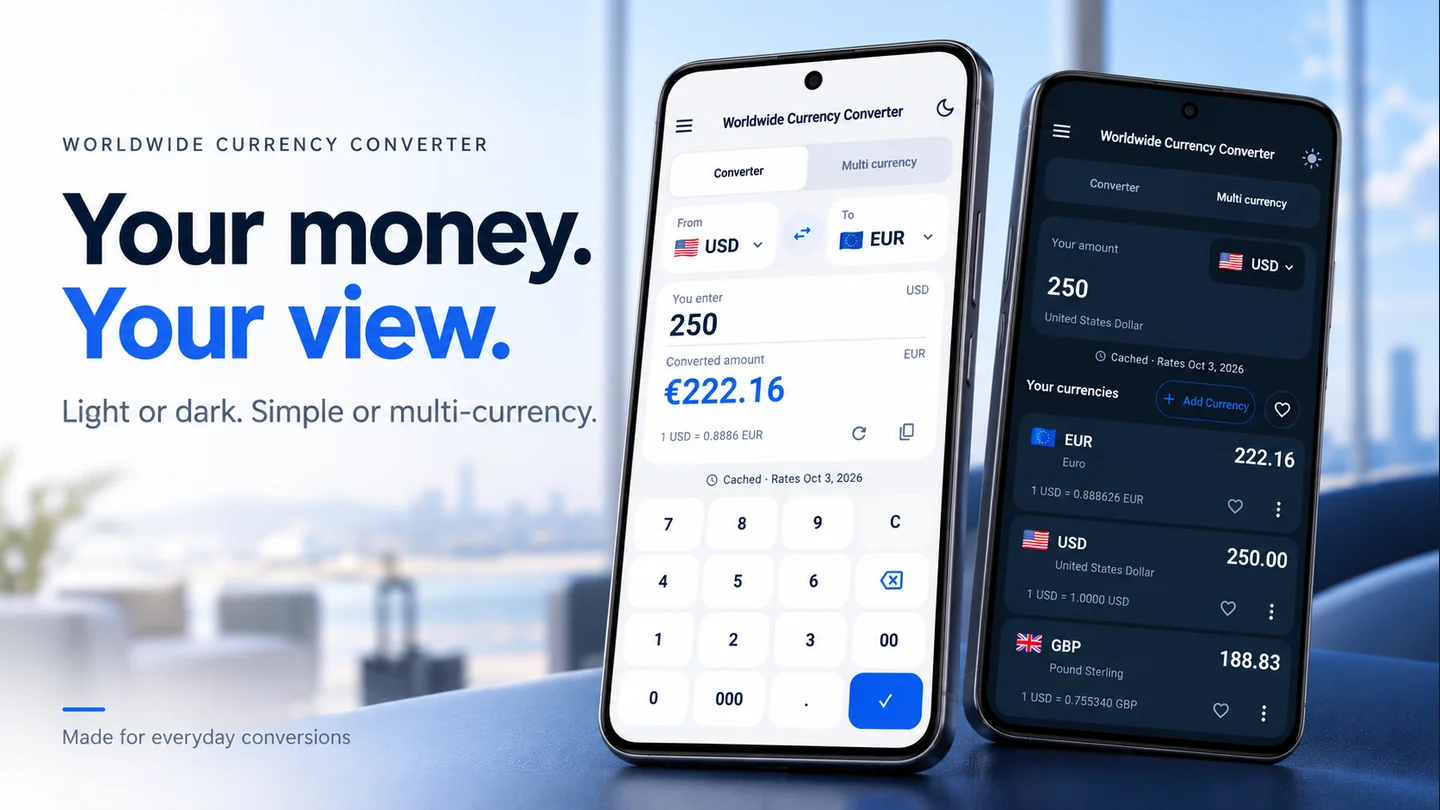


Less mental arithmetic.
More time for the day ahead.
Check an unfamiliar price
Convert a local amount into your home currency so the number has a familiar meaning.
Compare several currencies
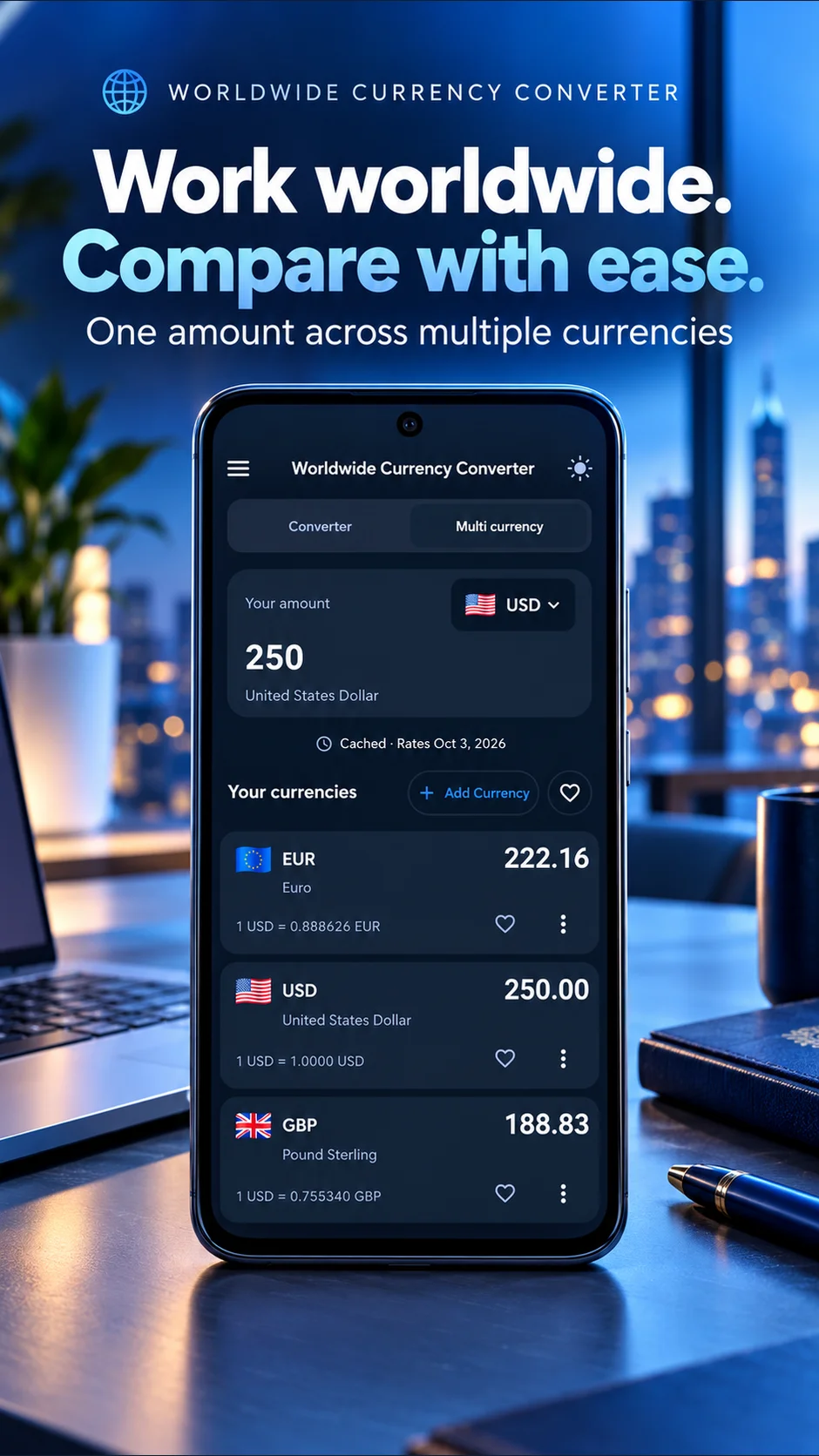
View one starting amount in multiple currencies. Each result represents that same original value.
Prepare before disconnecting
Download rates while online and test them before relying on offline conversion. Saved rates do not update without a connection.
Three steps. A little less guesswork.
Install while connected
Open the app from Google Play before you leave. No account is required to start converting.
Choose your currencies
Check the currency codes, enter an amount, and let the rate data finish loading.
Test your offline setup
Disconnect and try a new amount. Reconnect when you need fresh rates. Follow the preparation guide.
Your next price check can start here.
On an Android phone, open Google Play. On desktop, scan the code with your phone to open the same app listing.
Open Google PlayAdvertising and privacy details · About Lineium and its rates

Clear about rates. Clear about the app.
Lineium helps with reference calculations. It does not exchange money, arrange transfers, or guarantee the rate charged by your bank. The Android app is free and supported by ads. Its privacy policy describes the services it uses.
One amount. Several ways to read it.
Learn to compare multiple currencies without adding different units together.
Read the guide →Understand the arithmeticKnow what your rate means.
Work through multiplication, division, and reversing a quote with clear examples.
Try the calculation guide →