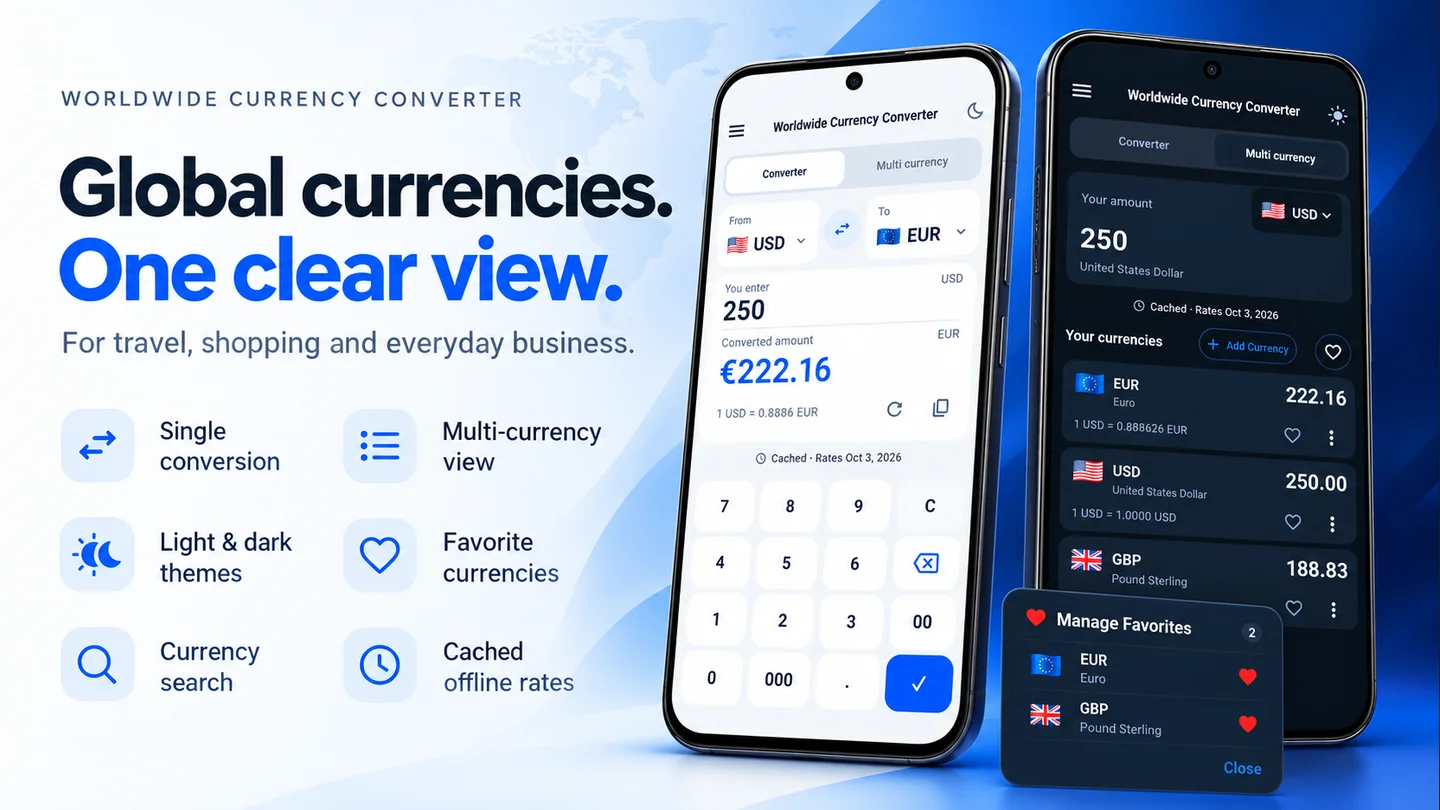
Here’s a simple way to choose the right currency before converting.
1. Find the code on the original price
Look for the currency name or three letter code beside the amount, in the shop’s currency selector, or on the receipt. If a price only says “$”, check the seller’s pricing information rather than assuming it means US dollars.
Some common codes you may encounter are:
- USD: US dollar.
- CAD: Canadian dollar.
- AUD: Australian dollar.
- EUR: euro.
- GBP: pound sterling.
- RON: Romanian leu.
2. Match the code in From
In the Lineium website converter, select the code that belongs to the original price in From. The dropdown includes currency names as well as codes to help you check your choice.
For example, a price of 40 CAD needs CAD in From. Selecting USD because you saw a dollar symbol changes the meaning of those 40 units.
3. Choose the currency you want to understand
Set To to your home currency, or to whichever currency you’re using for comparison. Enter the amount only after you’ve confirmed the pair.
If you’re checking several prices, use the same result currency for each one. Comparing 30 EUR with 30 USD by number alone doesn’t tell you whether they have the same value.
4. Keep codes when saving your estimate
Write “40 CAD → [converted amount] EUR” rather than saving an unlabeled number. Include the date if you’ll return to it later.
When a seller doesn’t identify the currency clearly, ask before treating the conversion as useful. A converter can do the arithmetic, but it can’t resolve an ambiguous price label for you.
Once you have the right codes, try your conversion.
Written by Lineium, publisher of Worldwide Currency Converter. App features: Google Play listing. Examples use fictional rates unless stated otherwise.