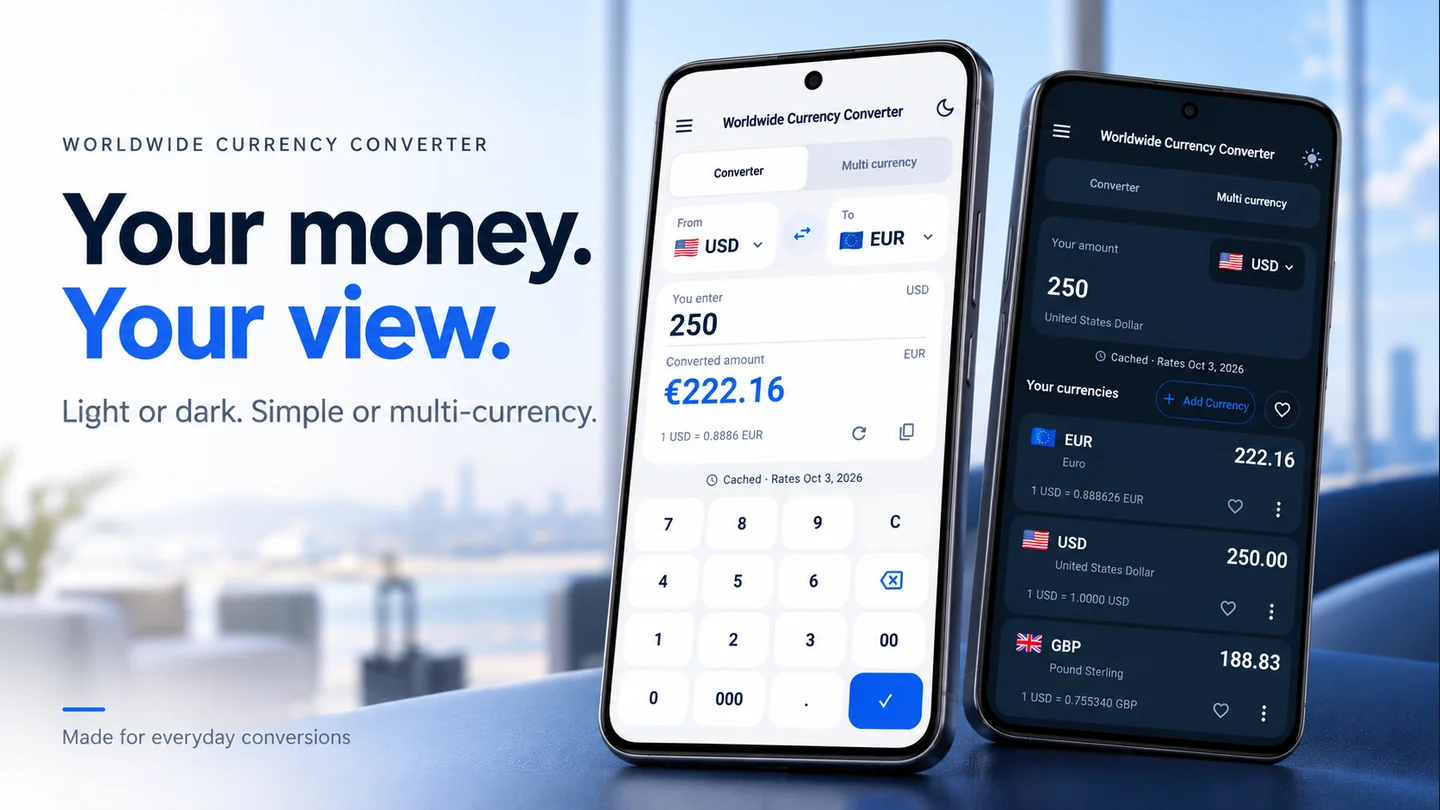
This small habit is particularly useful when a receipt and your phone use different number formats.
1. Understand the price format
Some places use a dot for the decimal separator; others use a comma. Spaces, commas, or dots may also group thousands. Check the seller’s format if a price such as “1.250” is ambiguous.
Don’t guess from a single punctuation mark. Look at surrounding prices or ask the seller what the amount means.
2. Enter an ungrouped amount
Choose the correct currencies in the website converter. Type the amount without currency symbols or thousands separators.
Use the decimal separator your browser accepts, then check what remains in the input field. If you meant twelve and a half, confirm you haven’t entered twelve hundred and fifty instead. Browser and keyboard behavior can vary.
3. Check the size of the result
At a fictional rate of 1 EUR = 1.20 USD, 12.50 EUR becomes 15 USD. If you accidentally entered 1,250 EUR, the result would be 1,500 USD.
Both calculations follow the same rate. Only one answers your question. A quick size check catches mistakes the converter can’t recognize.
4. Round at the end of a manual calculation
Suppose you’re calculating three items at 12.49 EUR each using that same example rate. Add first: 3 × 12.49 = 37.47 EUR. Then convert: 37.47 × 1.20 = 44.964 USD, or 44.96 USD rounded to two decimal places.
Rounding every converted item before adding can produce a slightly different total. Keep the fuller numbers until the final step when doing your own arithmetic.
The website adjusts its displayed precision to the size of the result. A payment provider may use its own rounding and charges, so treat the converter as a reference rather than a final payment total.
Need the basic formula? Read our exchange rate calculation guide.
Written by Lineium, publisher of Worldwide Currency Converter. App features: Google Play listing. Examples use fictional rates unless stated otherwise.