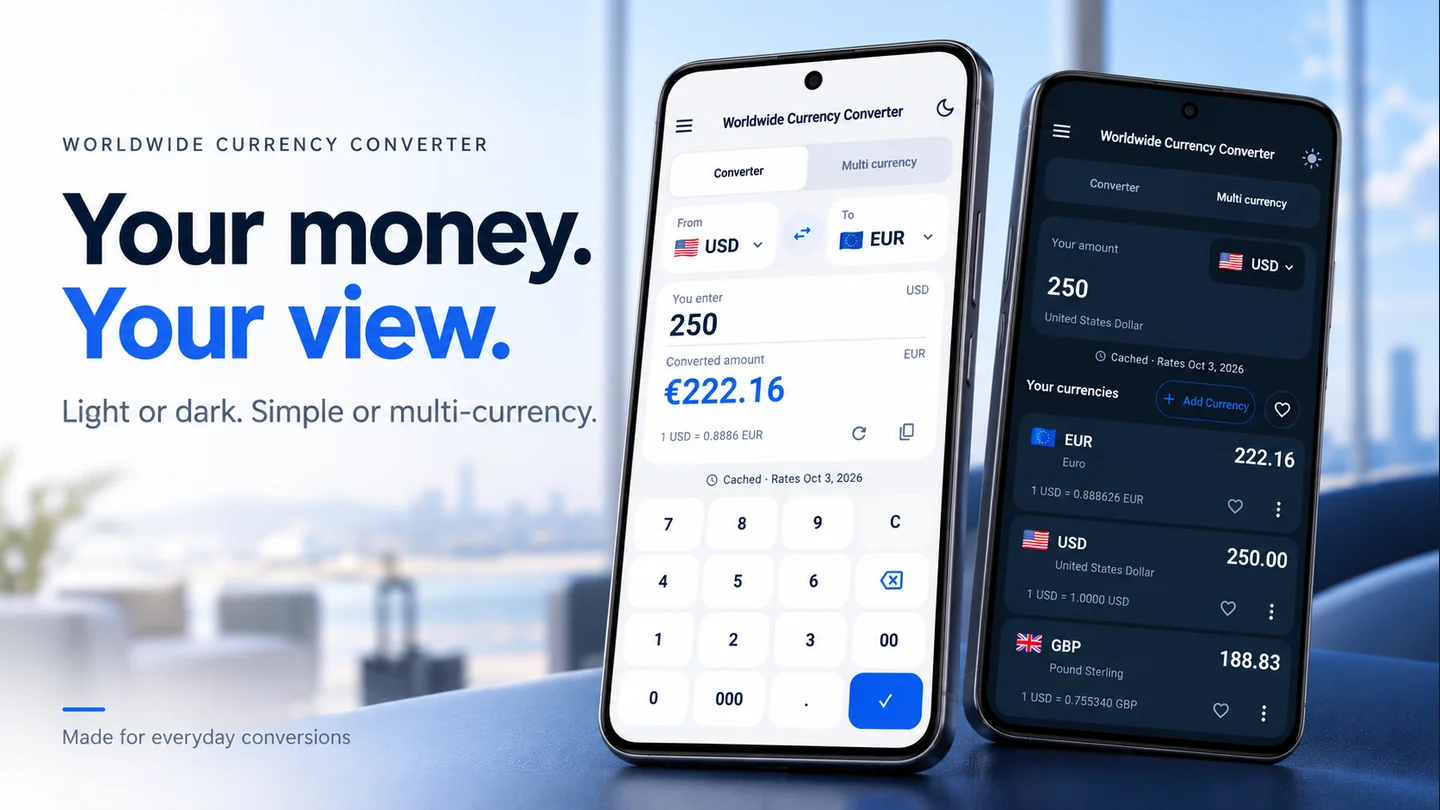
Lineium handles the currency conversion. Use a calculator or a note for adding items and dividing shares; this isn’t an automatic bill splitting feature in the app.
1. Agree on the local total
Start with the restaurant’s final bill in its stated currency. Check which items and charges it already includes before agreeing what your group will split.
For this example, imagine four people sharing a final total of 240 EUR equally. We’ll use a fictional rate of 1 EUR = 1.20 USD throughout.
2. Divide in the bill’s currency
Calculate 240 ÷ 4 = 60 EUR per person. Keeping this step in euros gives everyone the same starting point.
If people are paying for different items, add each person’s items instead and agree how to allocate shared charges. Confirm that all shares add back up to the bill total.
3. Convert a share
In the Lineium converter, select EUR in From, USD in To, and enter 60. At the example rate, one share is 72 USD.
If someone wants to understand their share in a third currency, convert the same 60 EUR starting amount into that currency. Don’t treat a number already converted to dollars as if it were euros.
4. Agree on rounding and reimbursement
Splits don’t always divide neatly. A 100 EUR bill shared by three people needs an agreed allocation such as 33.33, 33.33, and 33.34 EUR so the shares total 100.
If one person pays and others reimburse them, agree on the currency and amount to send. A converter estimate may differ from the cardholder’s settled charge or the transfer provider’s quote.
5. Keep a readable note
Record the bill total, each local currency share, the reference rate or check date, and the agreed reimbursement amounts. That’s clearer than sharing a screenshot with an unexplained number.
For one original amount shown in several currencies, see the multi currency guide.
Written by Lineium, publisher of Worldwide Currency Converter. App features: Google Play listing. Examples use fictional rates unless stated otherwise.